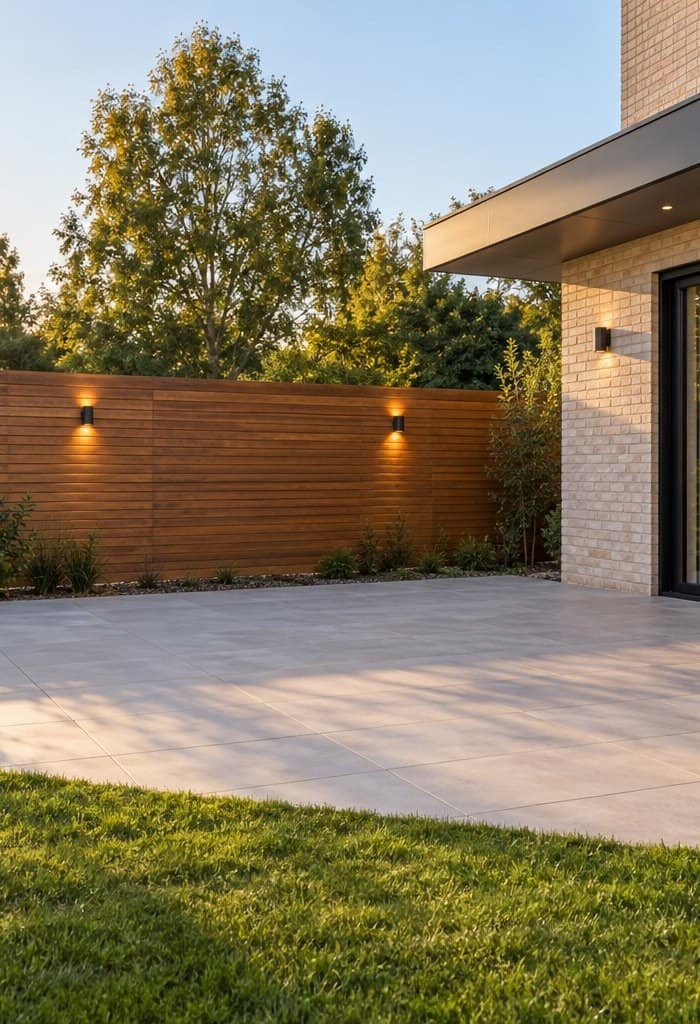
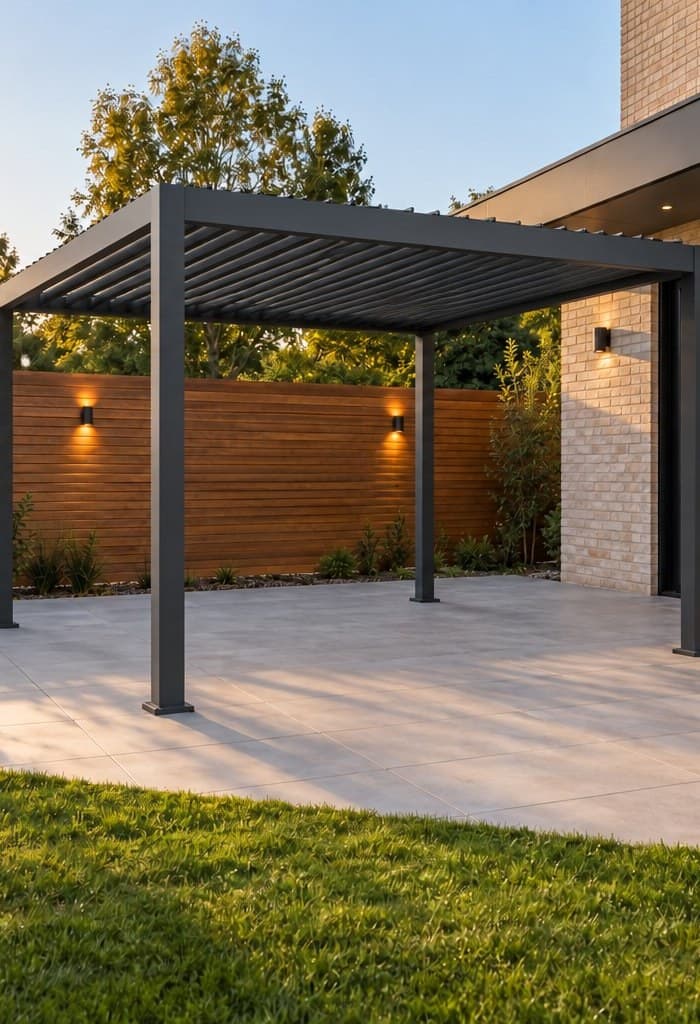
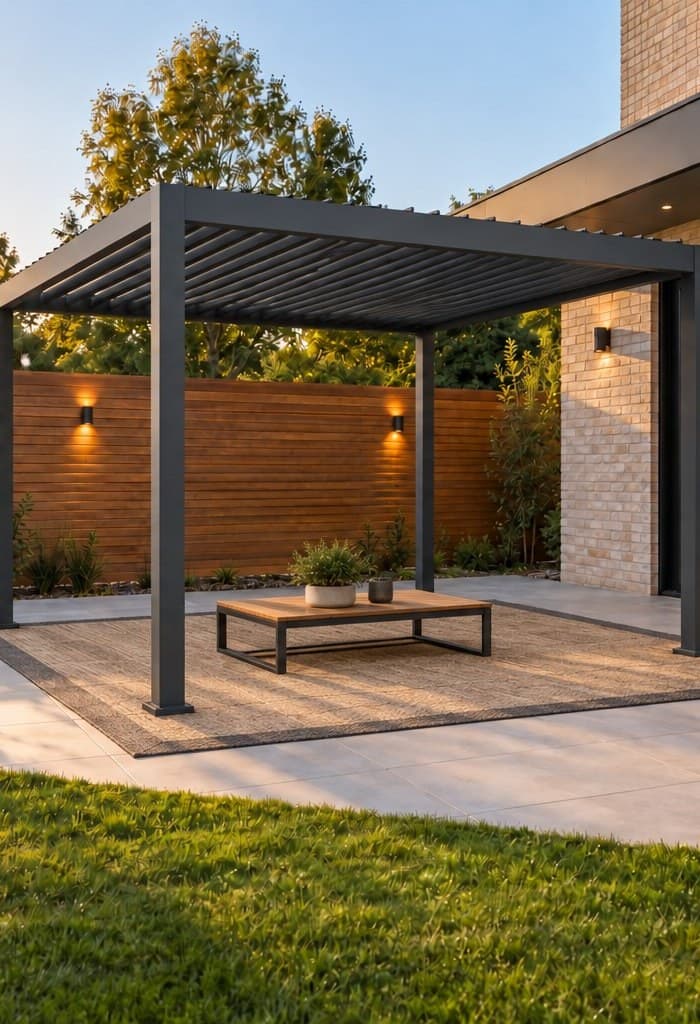
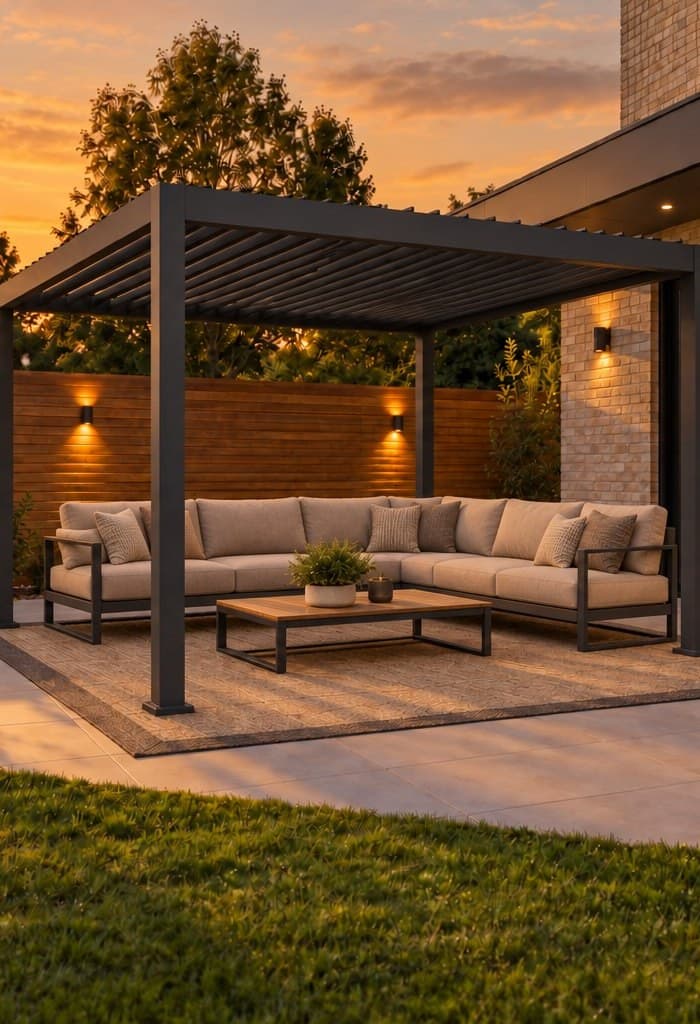
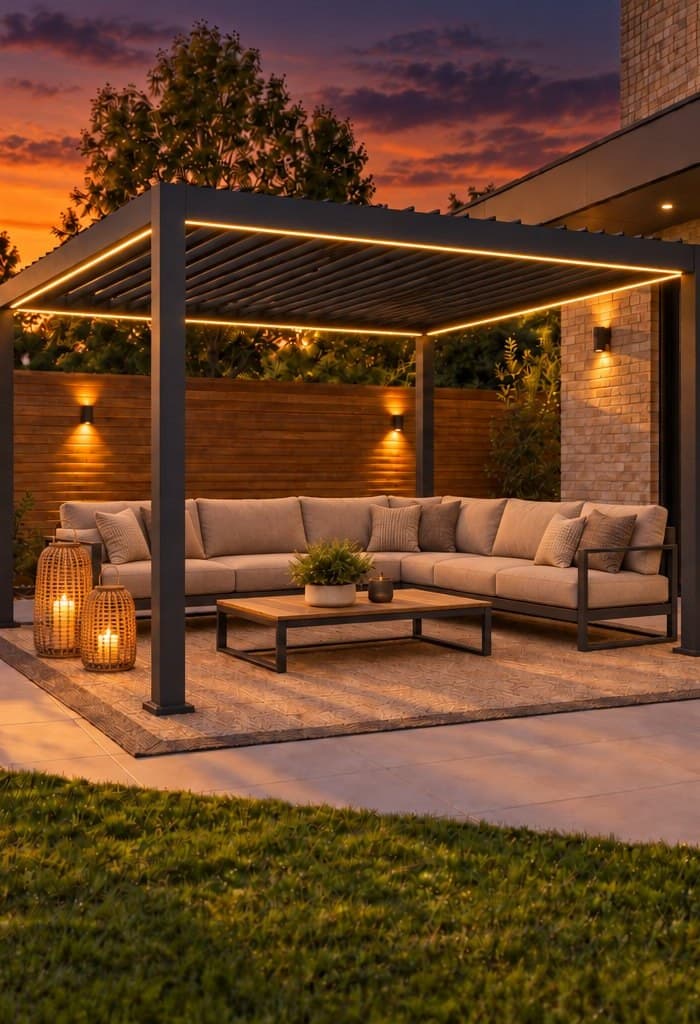
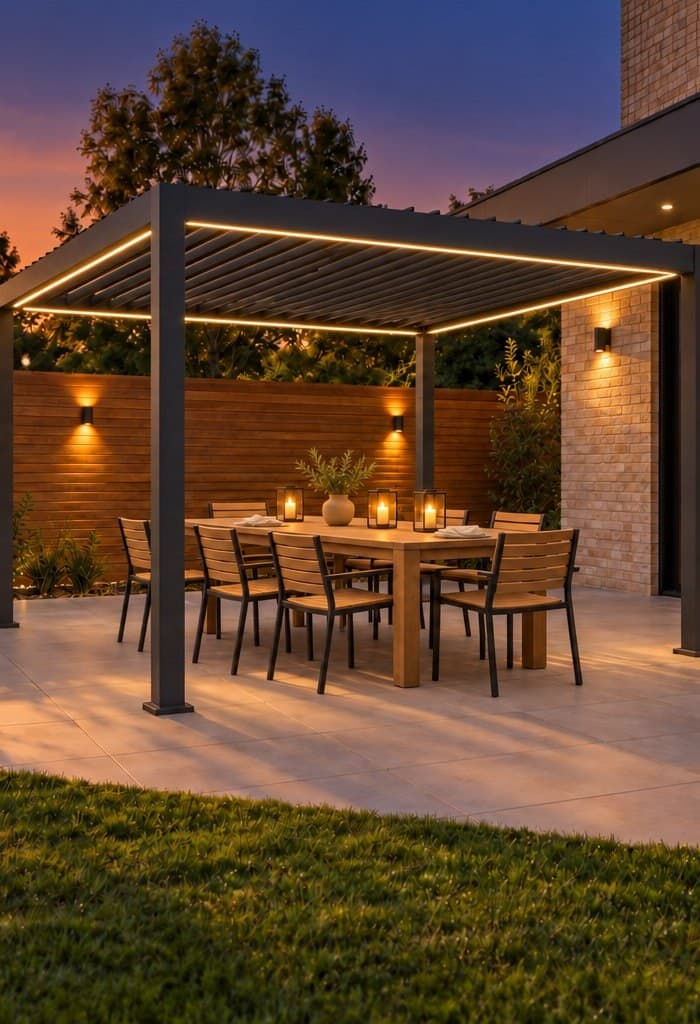
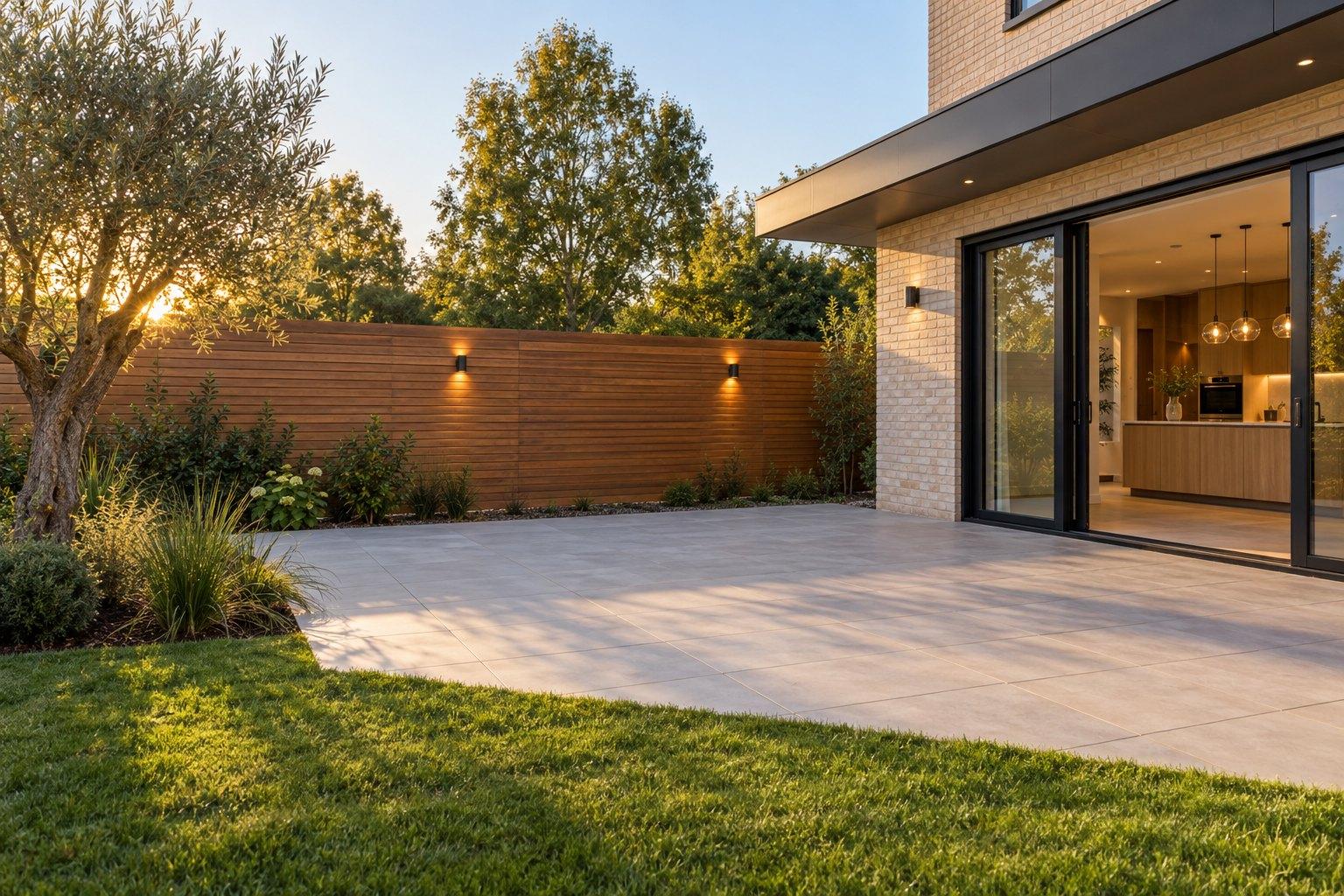
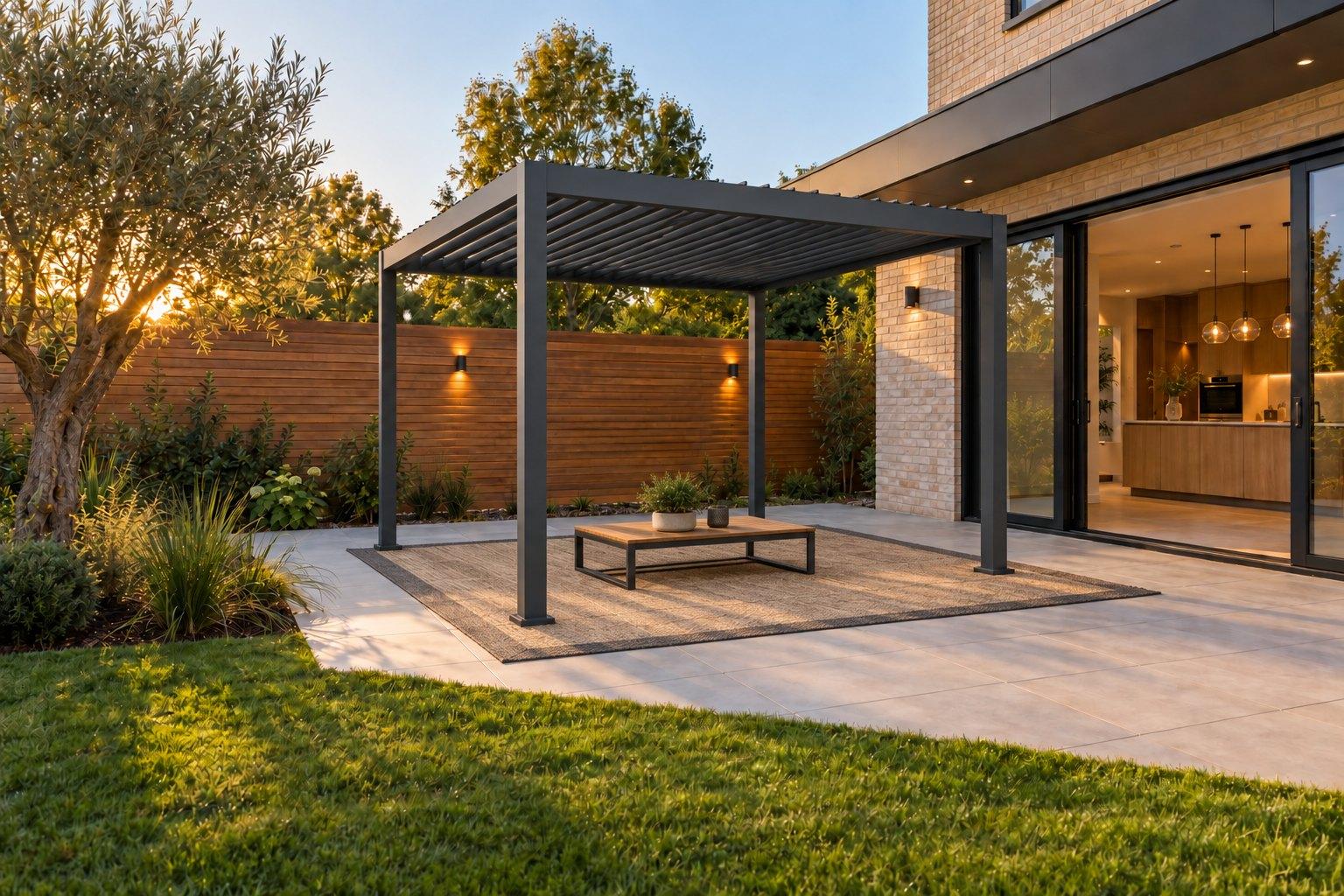
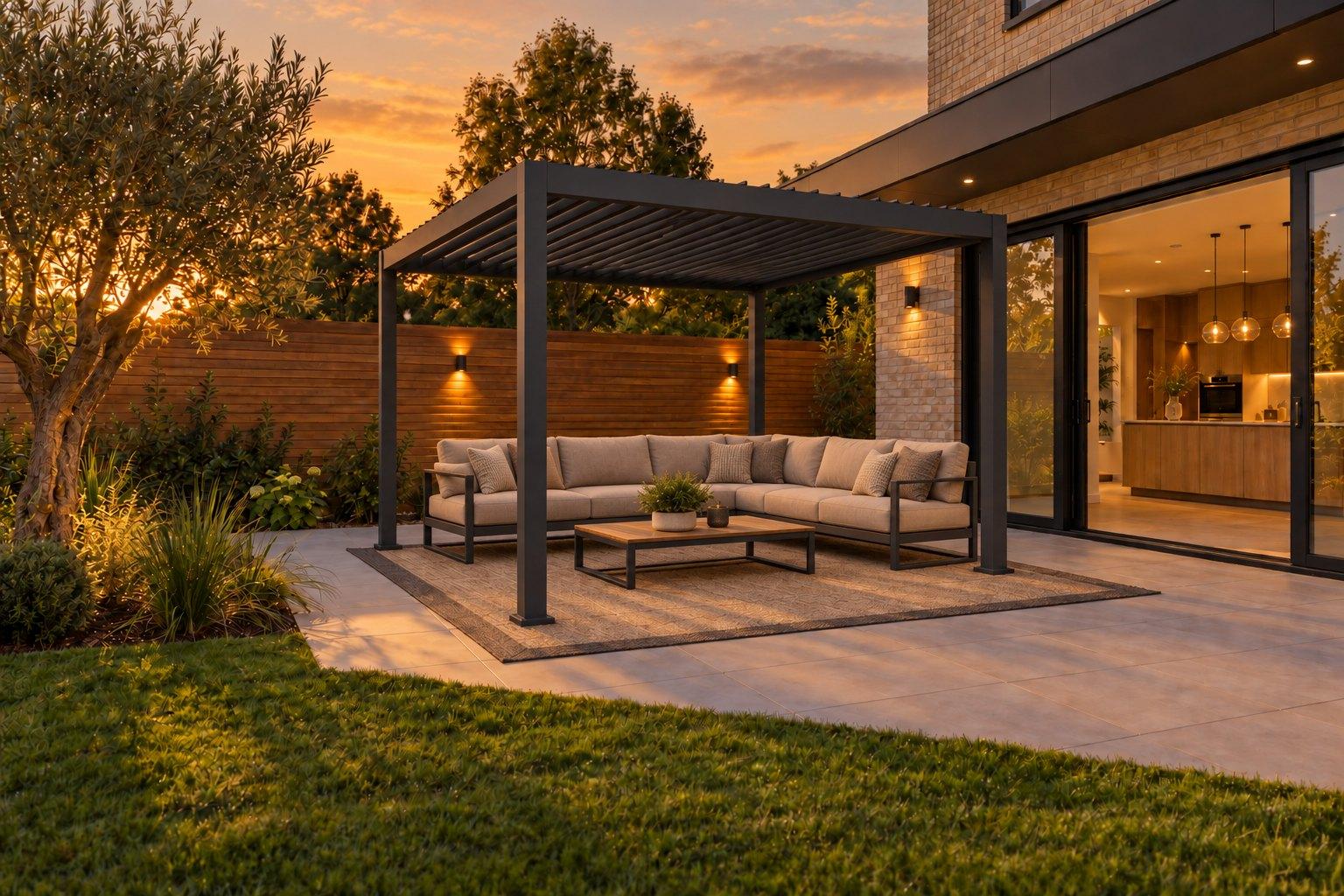
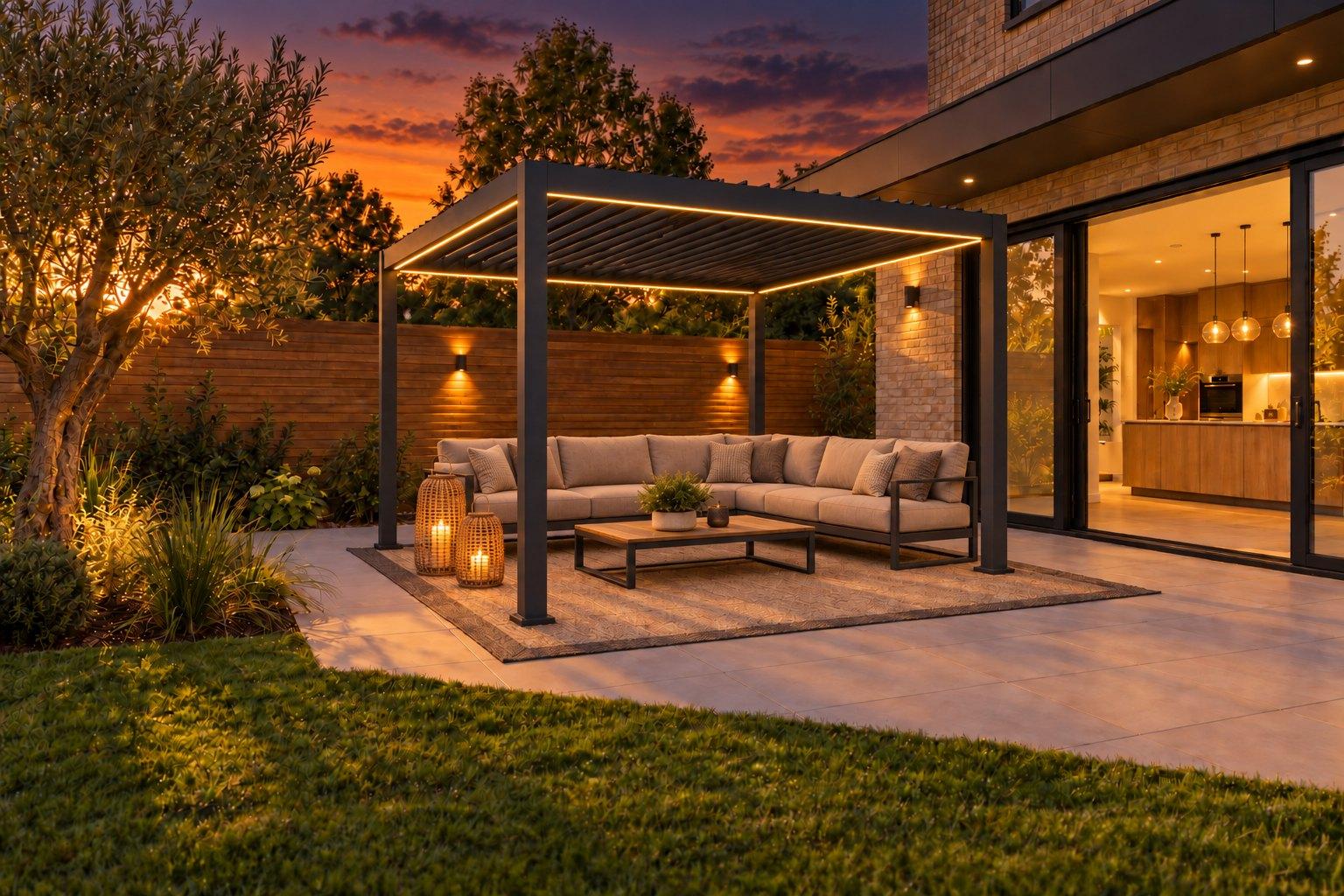
“I can’t picture it.”
See it,
before you sell it.
Place real products from your own catalog in your customer’s real space.
Scroll to reveal
A concept preview
Don't just browse it. See it in your home.
Explore a fictional furniture catalog, place pieces in a real living room, and build the look you'd actually buy.
ATELIER LIVING is a fictional demo catalog built to show the idea — not a real MisterStage customer. The three room photos are real; selecting a sofa switches between them, and every other item you add updates your list and total for real.
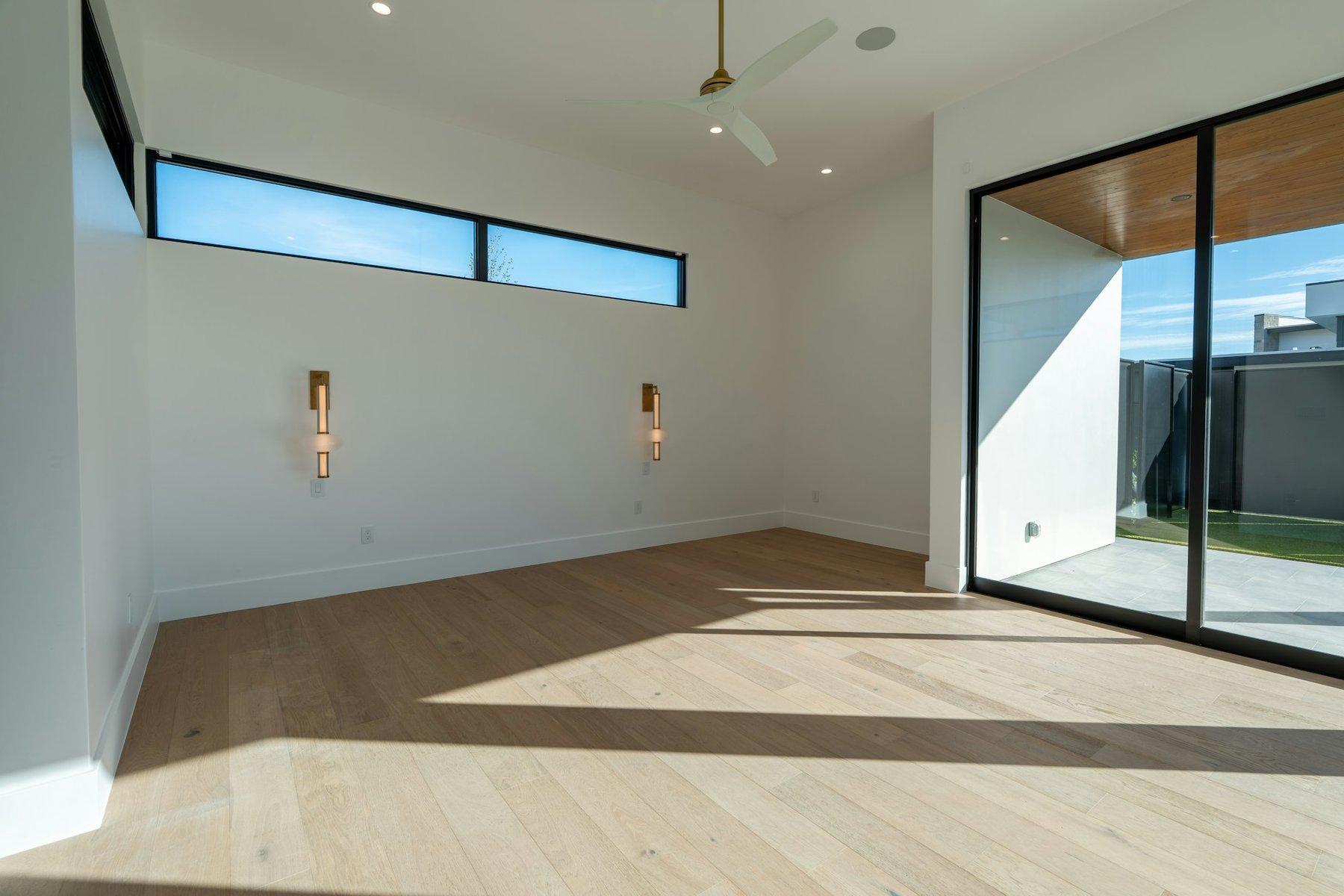
Before
Your selection
Choose a product to start, or pick a curated look above.
Illustrative demonstration prices — not a real quote.
What is MisterStage?
Your catalog.
In your customer’s space.
We load your catalog, products, variants and configurations into MisterStage. From there, your sales reps and your customers can use the same digital environment.
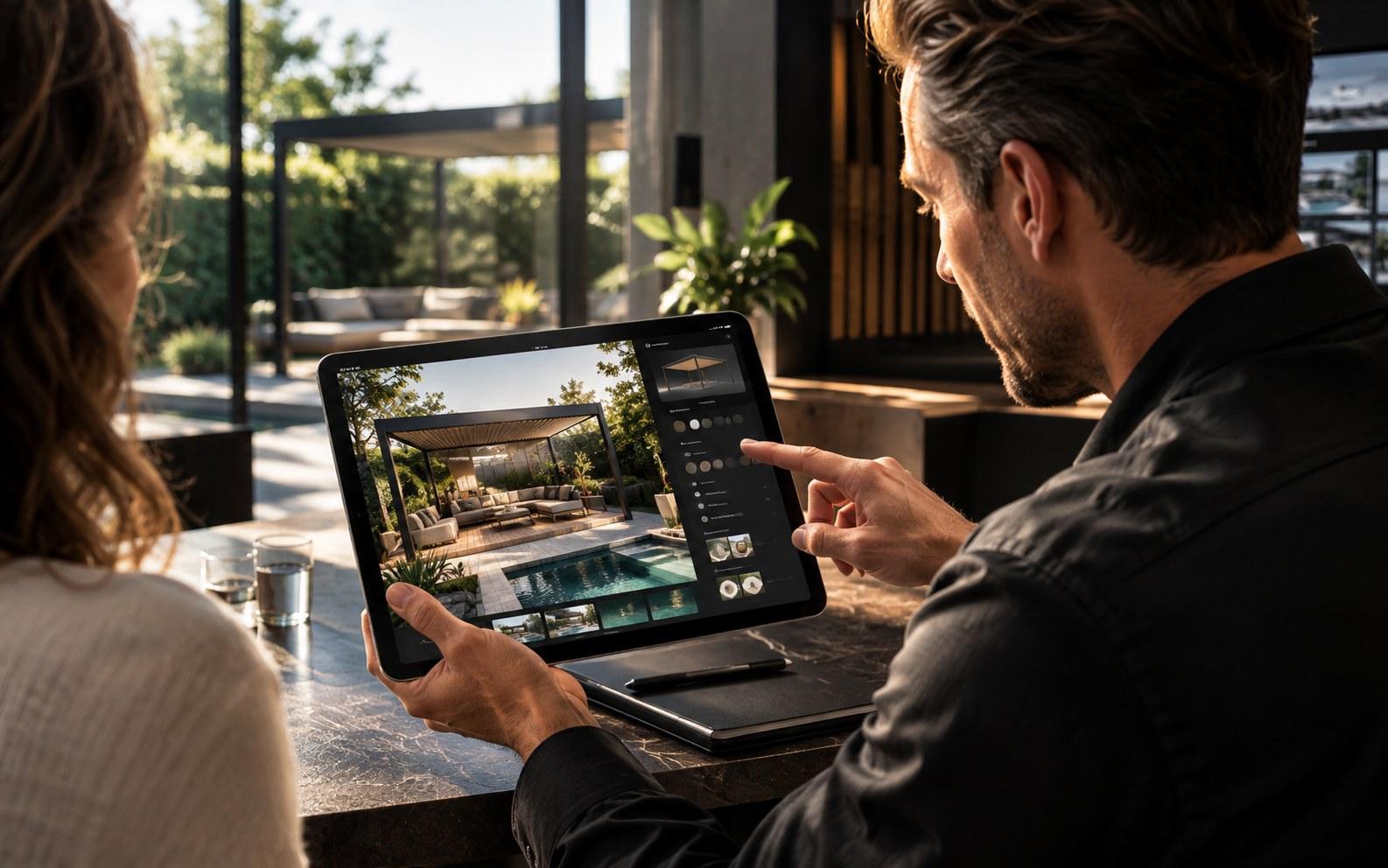
For your sales reps
Take a photo at the customer’s home, pick a real product from your catalog, and discuss exactly how it looks in their actual space.
Explore Sales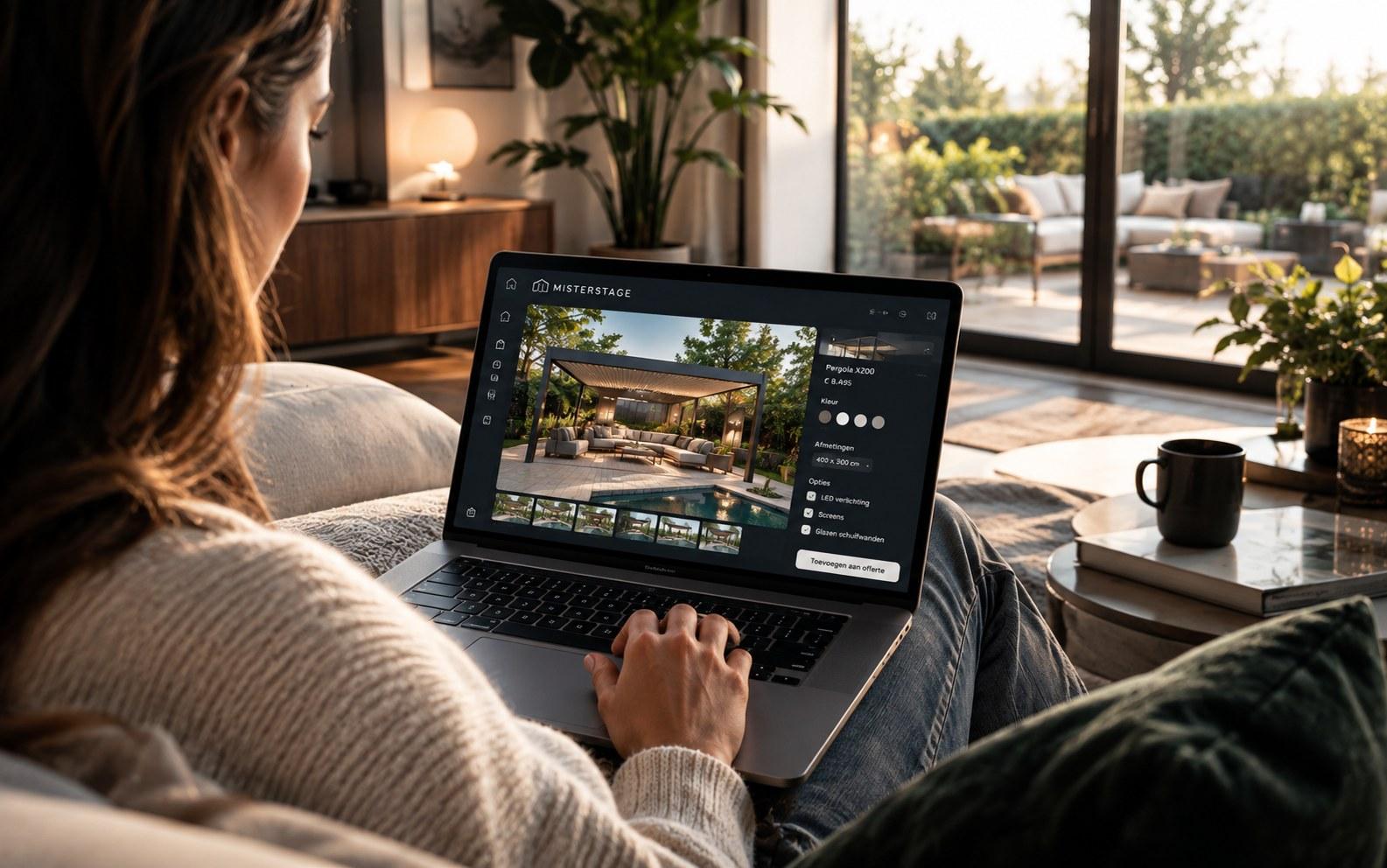
For your customers
Let customers discover your catalog from home and visualize your products in their own space.
Explore OnlineWhat do you sell?
This is where it
becomes visible.
Same structure, every category — drag the handle and see exactly what changes.
 After
After Before
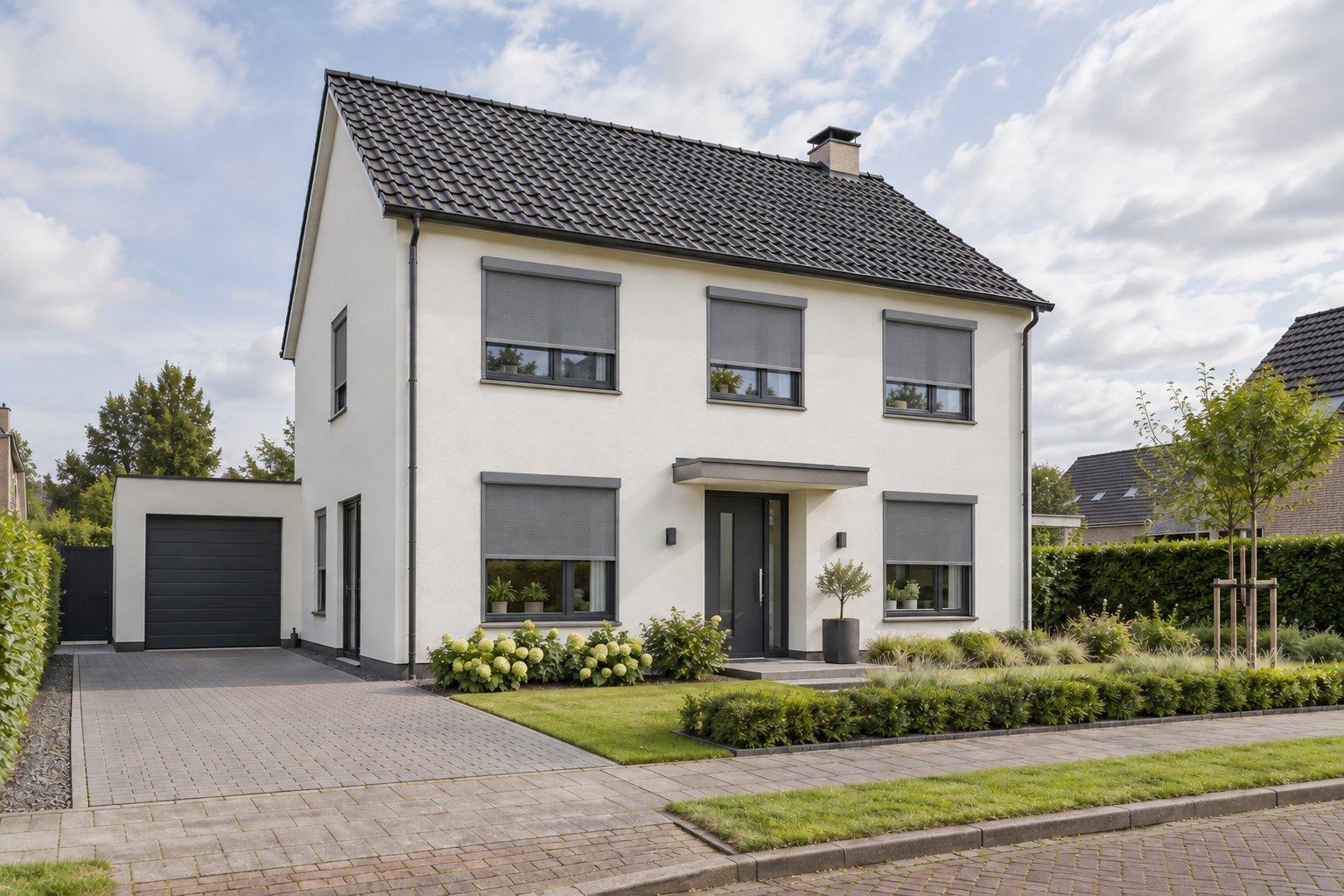
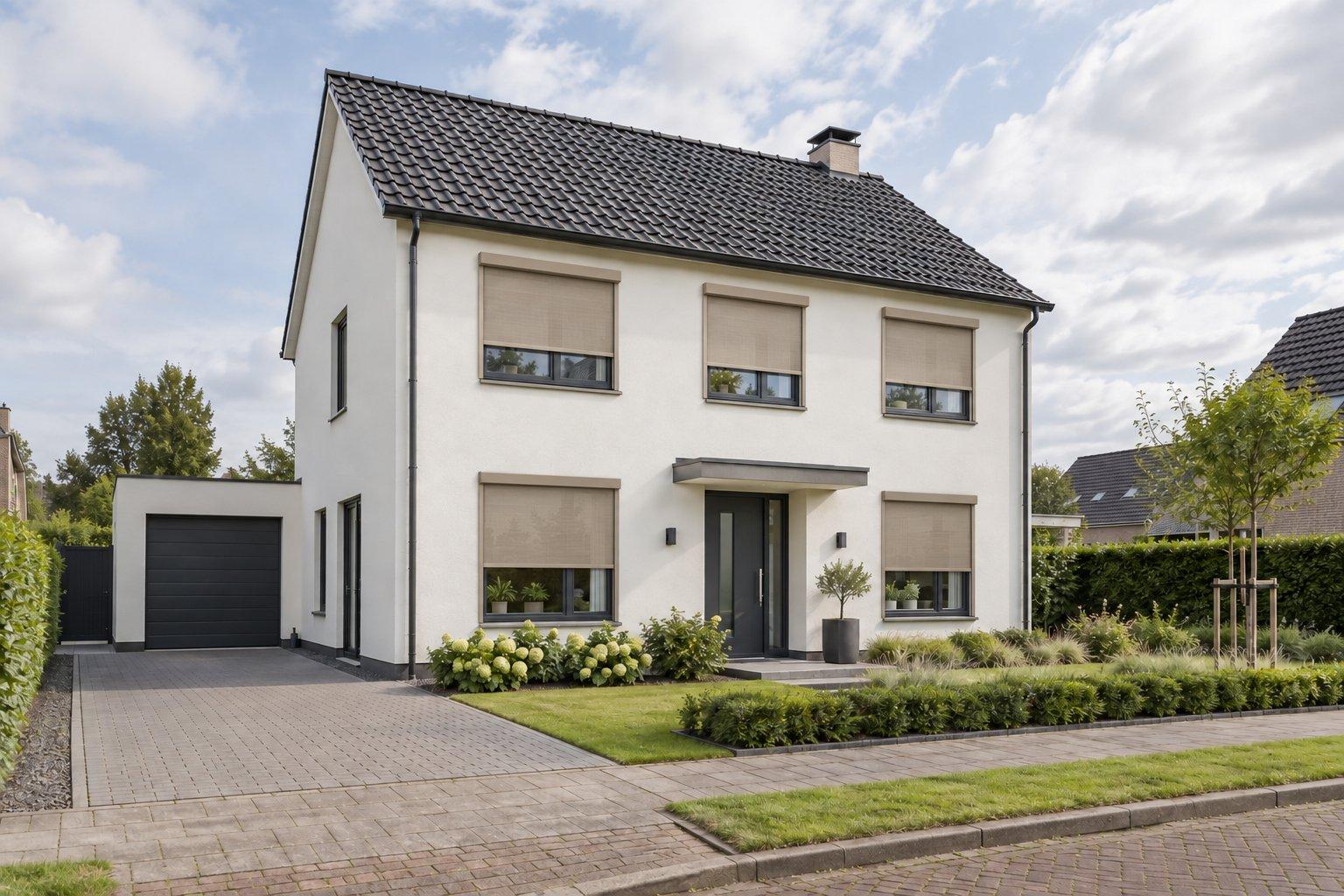
Roller shutters — anthracite, placed automatically on every window of the same house.
Not generated as inspiration. Placed from a real catalog, at real scale.
The difference
Not AI that makes a pretty photo. AI that sells your product.
Generic AI
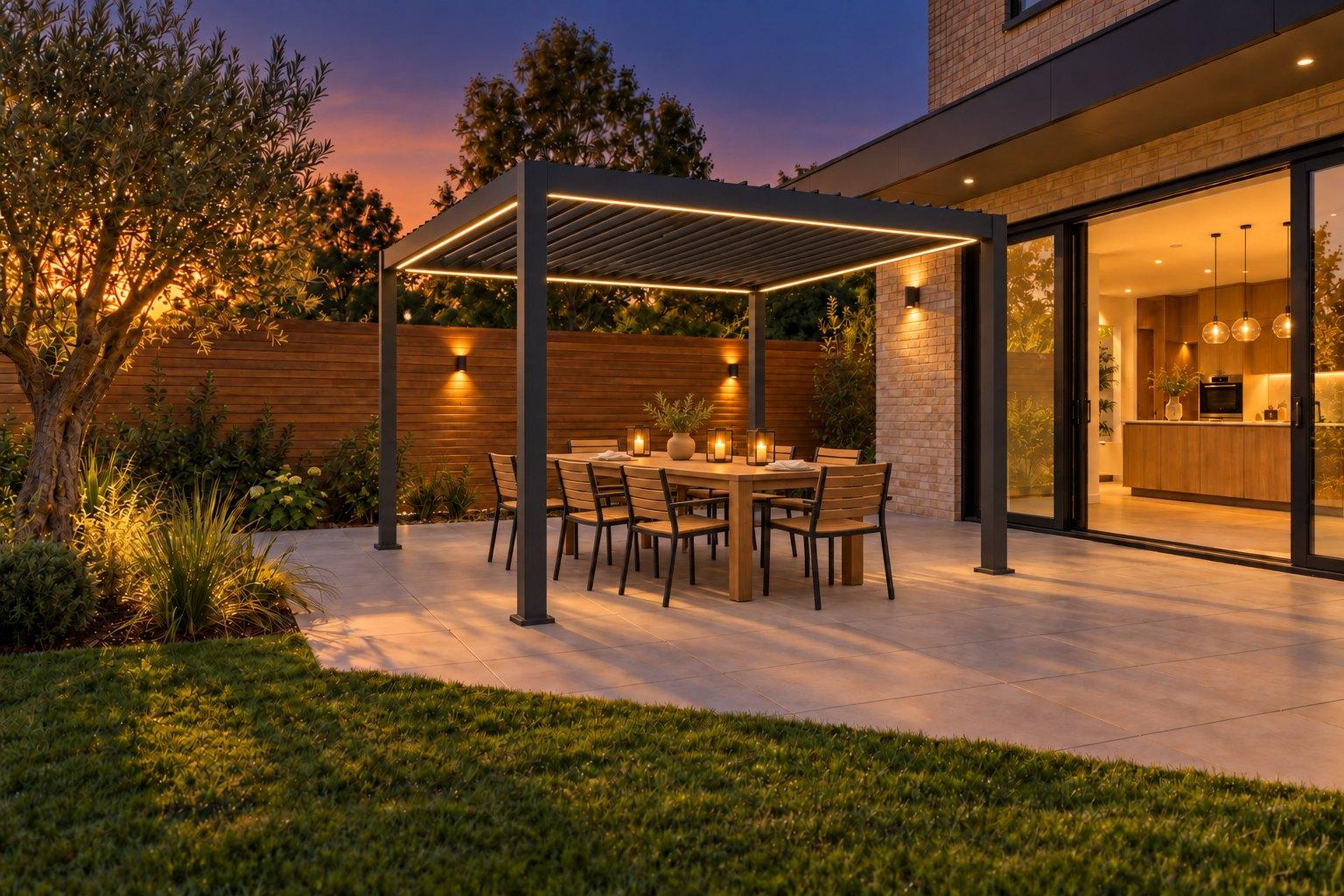
“Make a nice garden.” A pretty image — not necessarily your product, not to scale, not orderable.
MisterStage
“Place my Pergola X200 in my customer's garden.” Your real product, at real scale, ready for a quote.
From photo to deal
Five steps. No waiting.
The same process for every sale — in the showroom, at the customer's home, or on your own website.



Upload
A photo of the customer's space — taken on a phone, same as now.
Pick
The real product from your own catalog, including size and finish.
Visualize
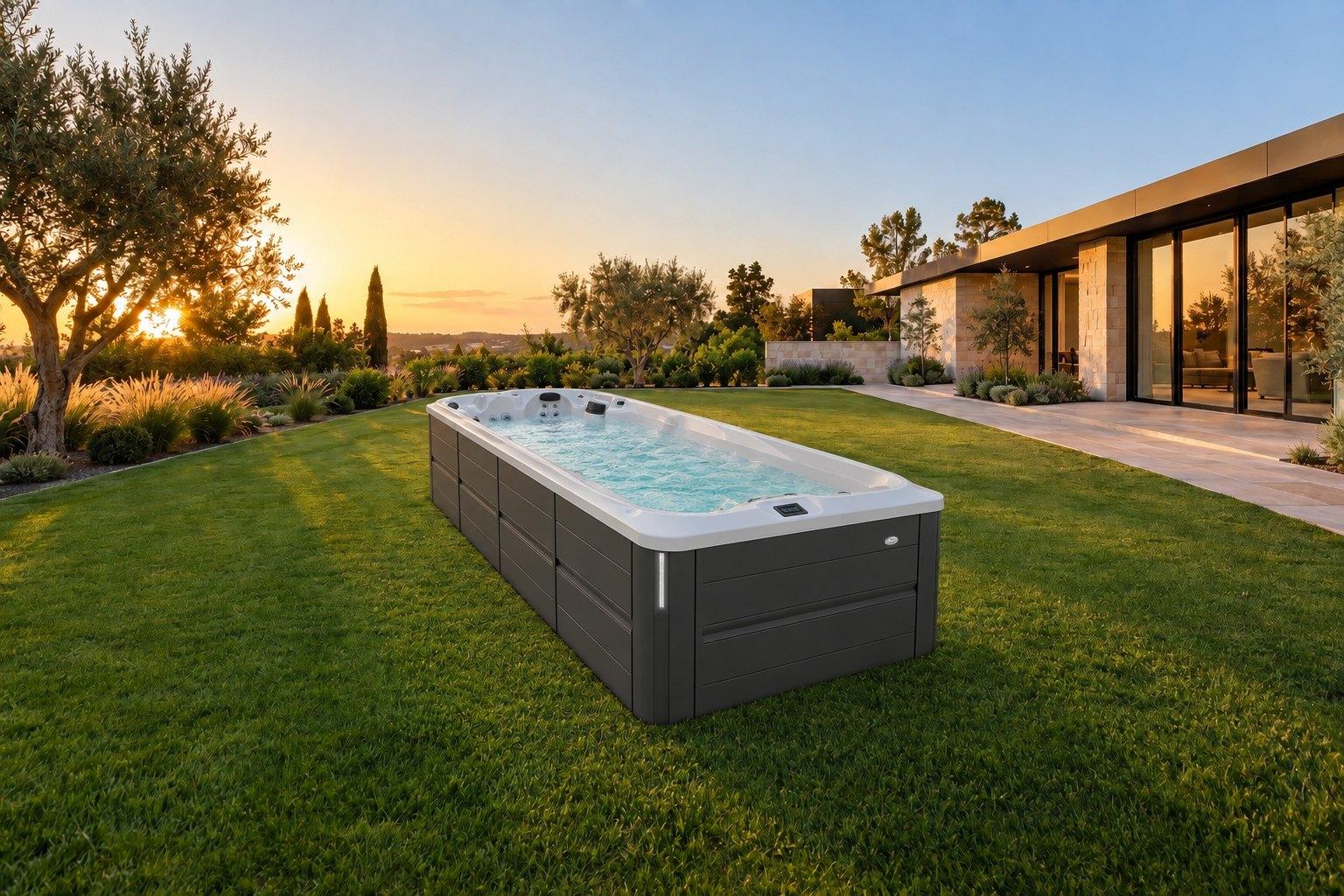
The product appears at real scale in the real photo — no stock image.
Configure
Switch color, material or variant — the price updates automatically.
Quote
One click to a proposal with the exact configuration the customer just saw.
For your team
Straight to work. No training needed.
A new team member is ready in a few minutes — three steps, no manual.
Book a demoWelcome to MisterStage
Three steps, no manual.
Customer's photo
Upload a photo of their home — or have the customer send one themselves.
Visualize the product
Pick a product from your catalog and see it instantly, photorealistic, on their own photo.
Send the quote
Add the configuration to a quote and send it to the customer.
Work it out yourself
From visualization to revenue.
Enter your own assumptions — this is a calculator, not a promise.
Your own estimate — for example because a customer says 'yes' faster once they've already seen the product in their own space.
Estimated extra revenue per month
€7.000
Estimated extra revenue per year
€84.000
The difference
Compared to how this usually works today.
vs. manual compositing
Turnaround
With MisterStage
A configuration is processed right after measuring, or right there in the showroom — no waiting time between the visit and the result.
A designer usually composites the photos afterwards, often only available the next business day — exactly the days a customer can lose interest.
Read the full comparison →vs. showroom samples
Sense of scale
With MisterStage
The visualization shows the product at its true scale against the customer's own window frames or patio.
A 20×20cm sample gives no sense of what a 180×140cm panel actually looks like in reality.
Read the full comparison →vs. generic AI image tools
What happens next
With MisterStage
A chosen configuration leads directly to a quote with the matching price and specifications.
A generated image ends up as just an image — there's no link to an orderable product or a quote.
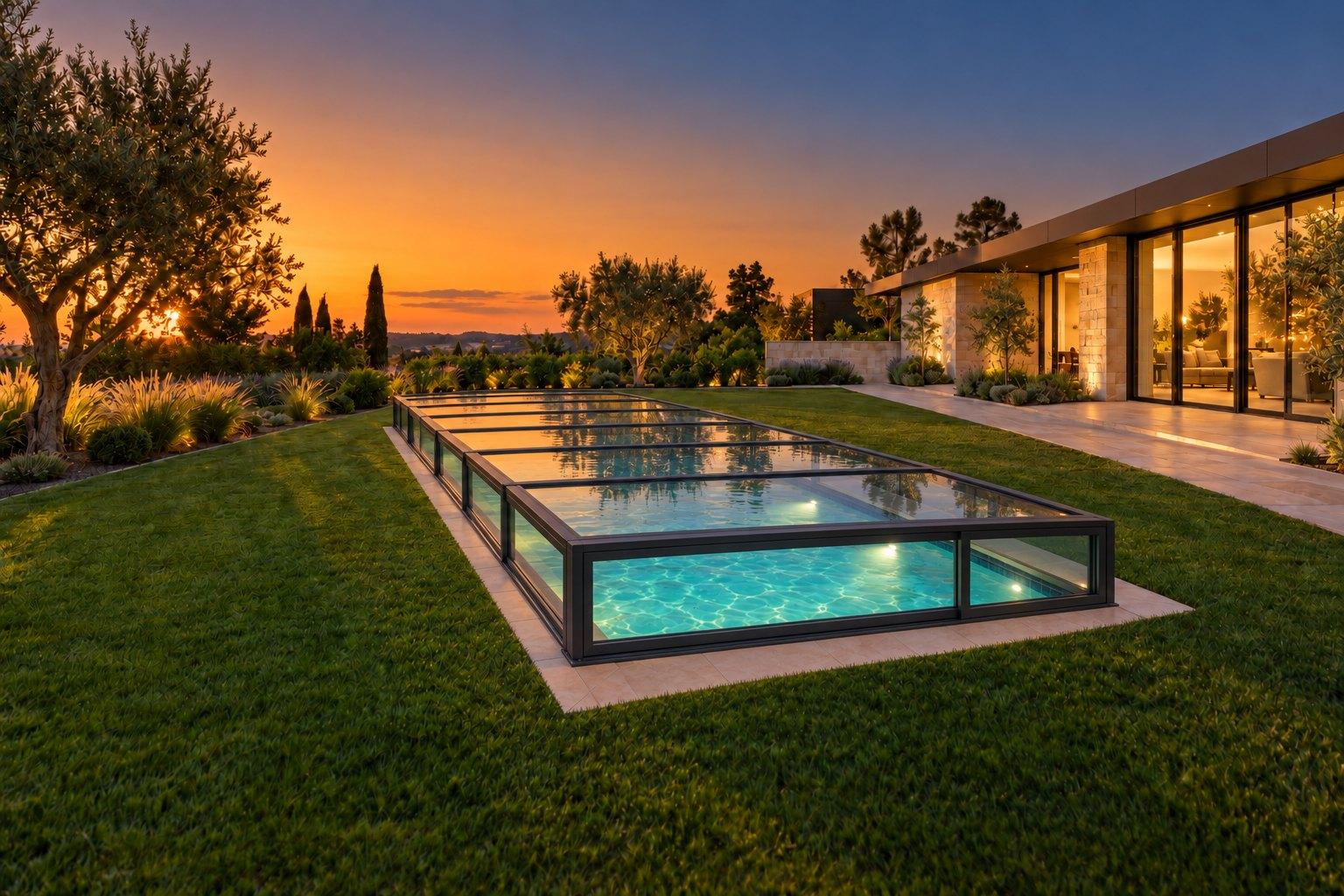
Read the full comparison →One system. Every physical project.
Roller shutters
Pools & wellness
Screens
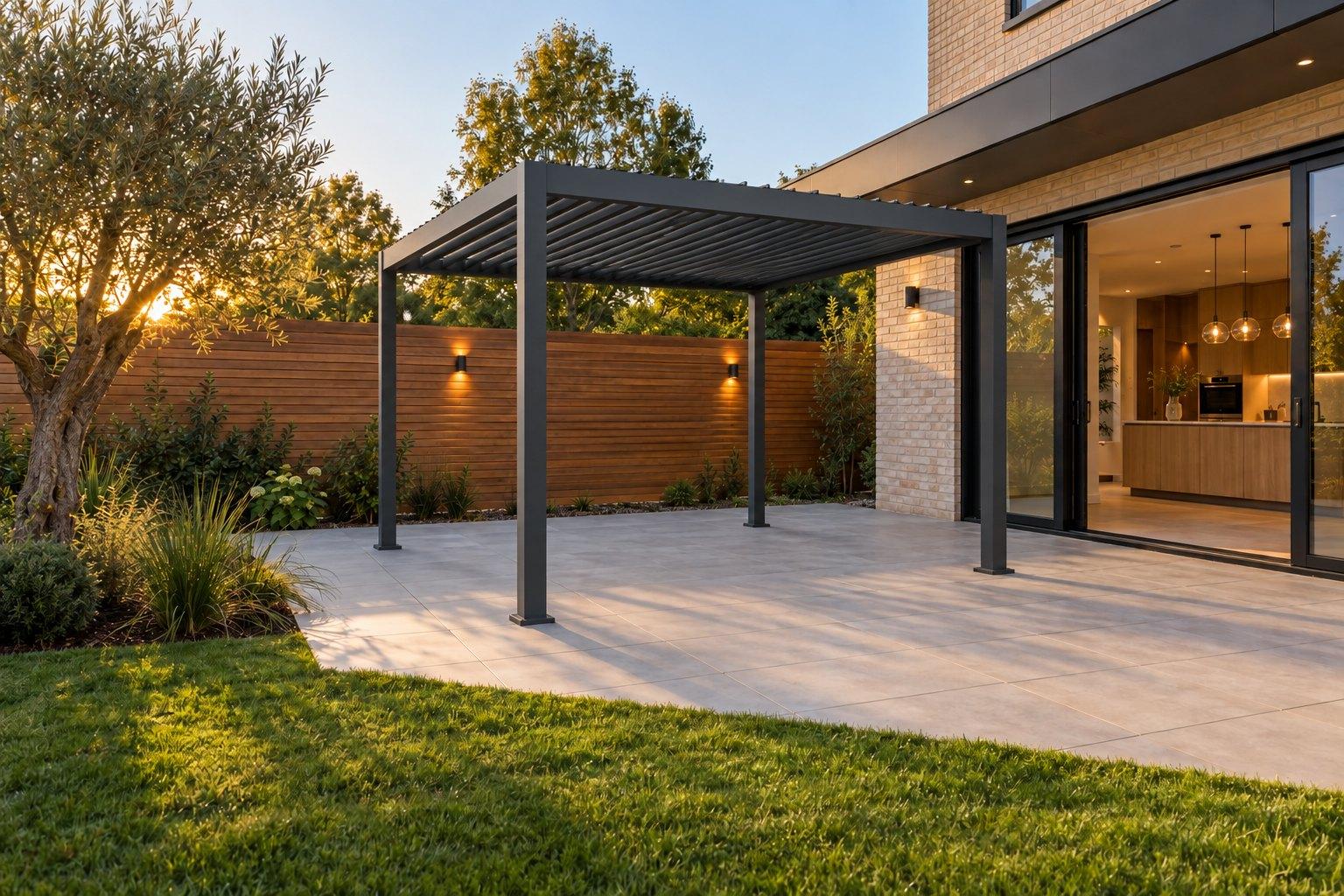
Awnings & pergolas
Sun protection

Shutters

Furniture

Lighting

Bathrooms
From visit to buying intent
Don't just see who visits your website. See where real product interest begins.
A visitor who configures their own home shows you more than a pageview ever could.
How it usually goes
- 1Visitor
- 2Product page
- 3Leaves
With MisterStage
- 1Visitor
- 2Uploads own home
- 3Picks a product
- 4Visualizes
- 5Compares variants
- 6Requests a quote
What every step tells you.
Every step a visitor takes — which product, which variant, which home — is visible, concrete interest. No more guessing what a website visitor actually wanted.
What becomes visible
- Which products people actually visualize
- Which configurations and variants they explore
- Which visualizations lead to a quote request
- Which visitors actively engaged with a product, not just passed through
Make your catalog visible.
Upload it — and start placing it in your customers' own photos today.